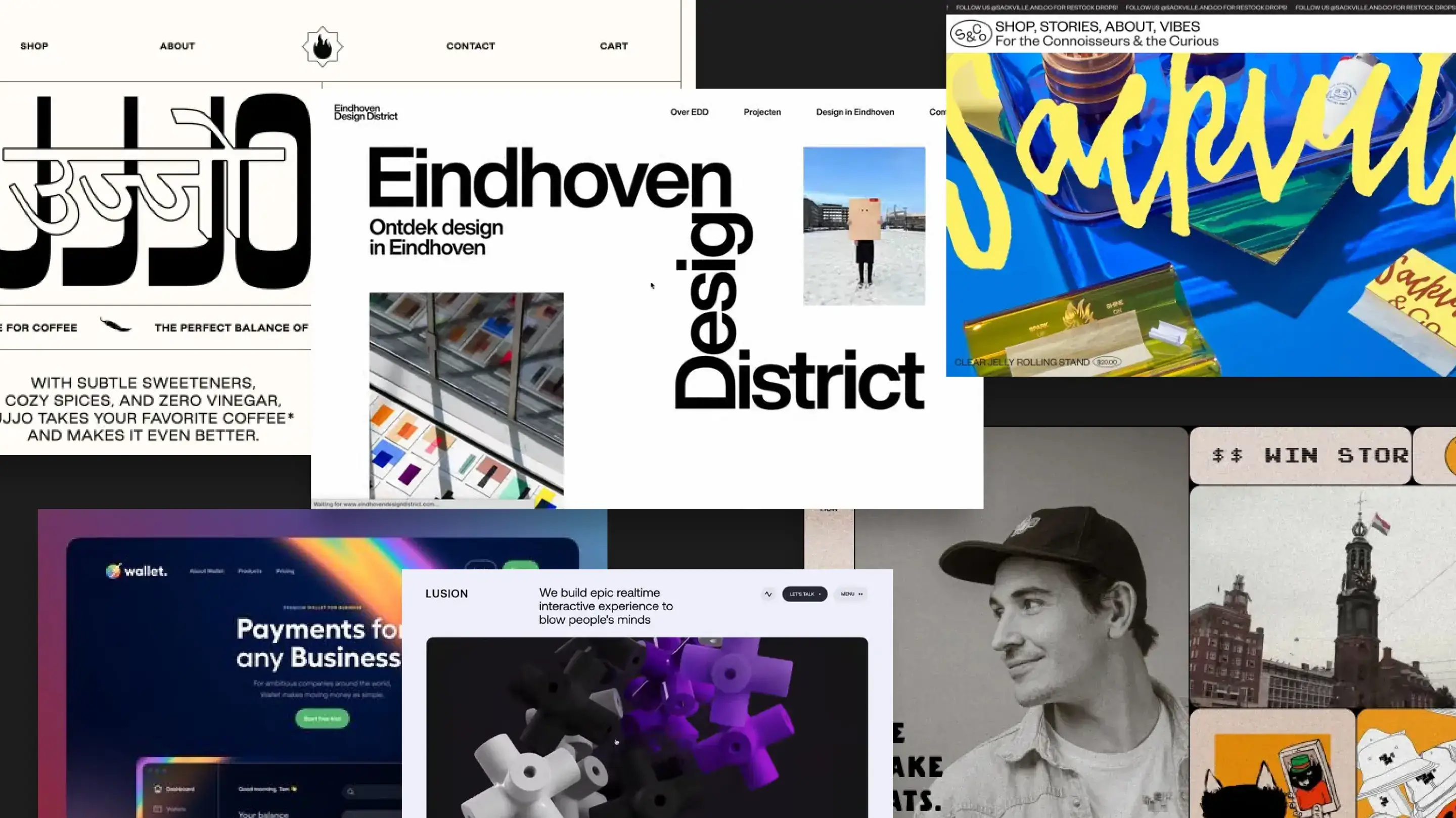


Most app design sprints turn into Figma marathons. Designers create perfect mockups, developers squint and guess, then launch day hits and everything feels different from the design files.
In this guide, we'll walk through a practical way to design apps—from wireframes to handoff—so the designs are clear for users and actually implementable for developers.
Why App Design Needs A Clear Process
A good design process saves time and reduces miscommunication. It keeps developers from guessing, prevents surprise changes after code ships, and makes sure the app feels cohesive instead of scattered.
- Users get intuitive, consistent experiences
- Developers build quickly without constant clarification
- Designers spend time on strategy, not tweaking pixels
- Launch day happens on schedule instead of getting delayed by design feedback
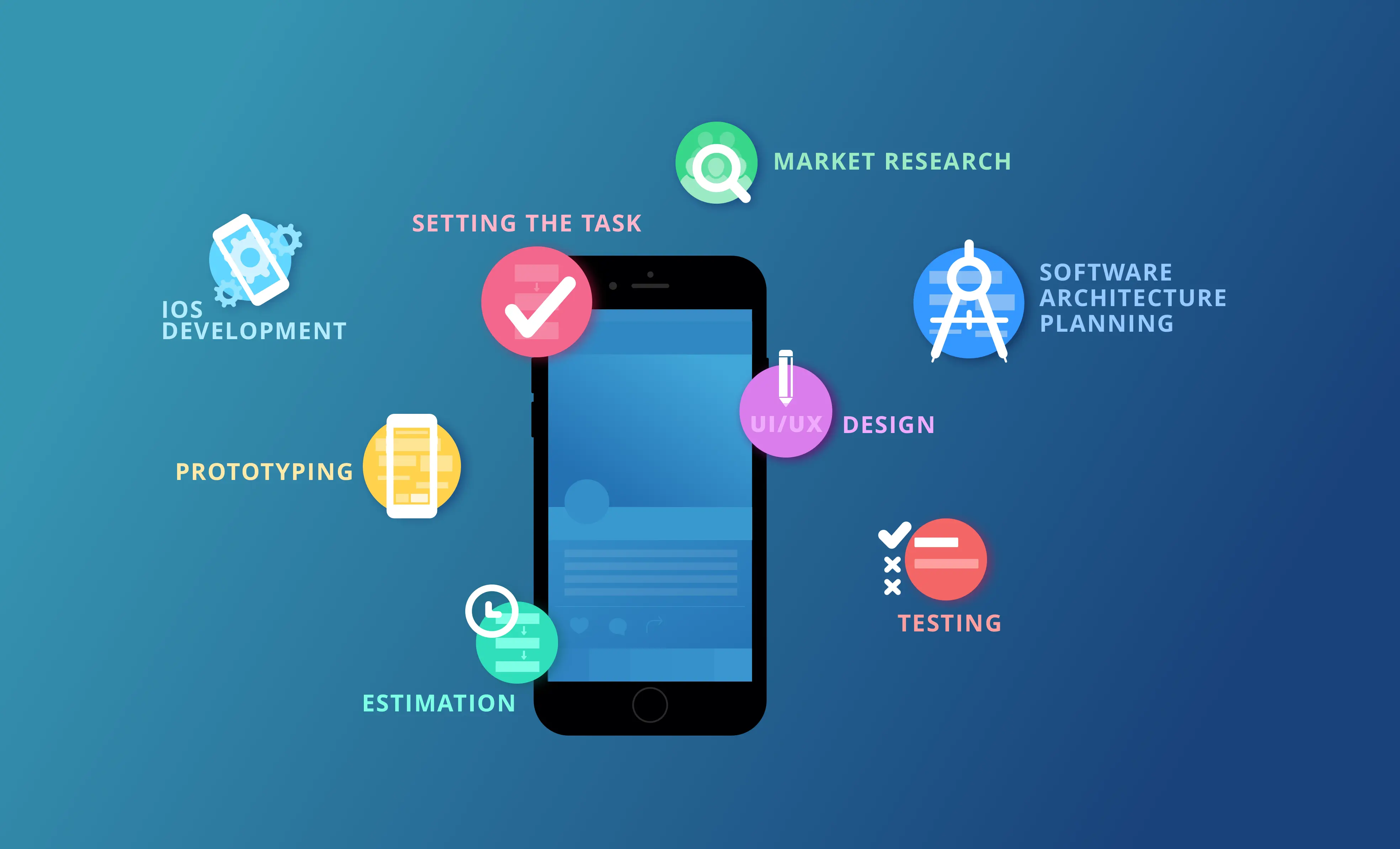
Design Checklist: What You'll Need
Before you open Figma, gather these inputs:
- User personas and core workflows (who uses this, and what do they do?)
- Key user stories (I want to..., so that...)
- Any existing brand guidelines or design system
- Technical constraints (platform, integrations, performance targets)
The 5-Step App Design Process
1. Start With User Flows, Not Screens Map out the journey: login, main dashboard, core actions, edge cases. Use boxes and arrows, not pretty visuals. This is where you solve navigation and logic problems before design even starts.
2. Create Low-Fidelity Wireframes Sketch layouts on paper or in a wireframing tool. Focus on structure and hierarchy, not colours or fonts. At this stage, you're asking "does this flow make sense?" not "does this look great?"
3. Get Feedback On The Flow Before Polishing Show wireframes to stakeholders and a few future users. Find out if the flow makes sense. Change flows now (it's cheap) instead of after design and code are done (it's expensive).
4. Design High-Fidelity Mockups With Reusable Components Now make it look good. Use a design system or pattern library so buttons, inputs, and layouts stay consistent. Build components (not pages) so developers know what's reusable.
5. Hand Off With Clear Specs And Annotated Prototypes Document spacing, colours, font sizes, and interactions. Link to the actual components in your design tool. Provide an interactive prototype so developers see how things move and change state.
"A clearer design process means developers don't waste time asking questions, and launches happen on schedule instead of getting delayed by design requests. Our whole team moves faster now."