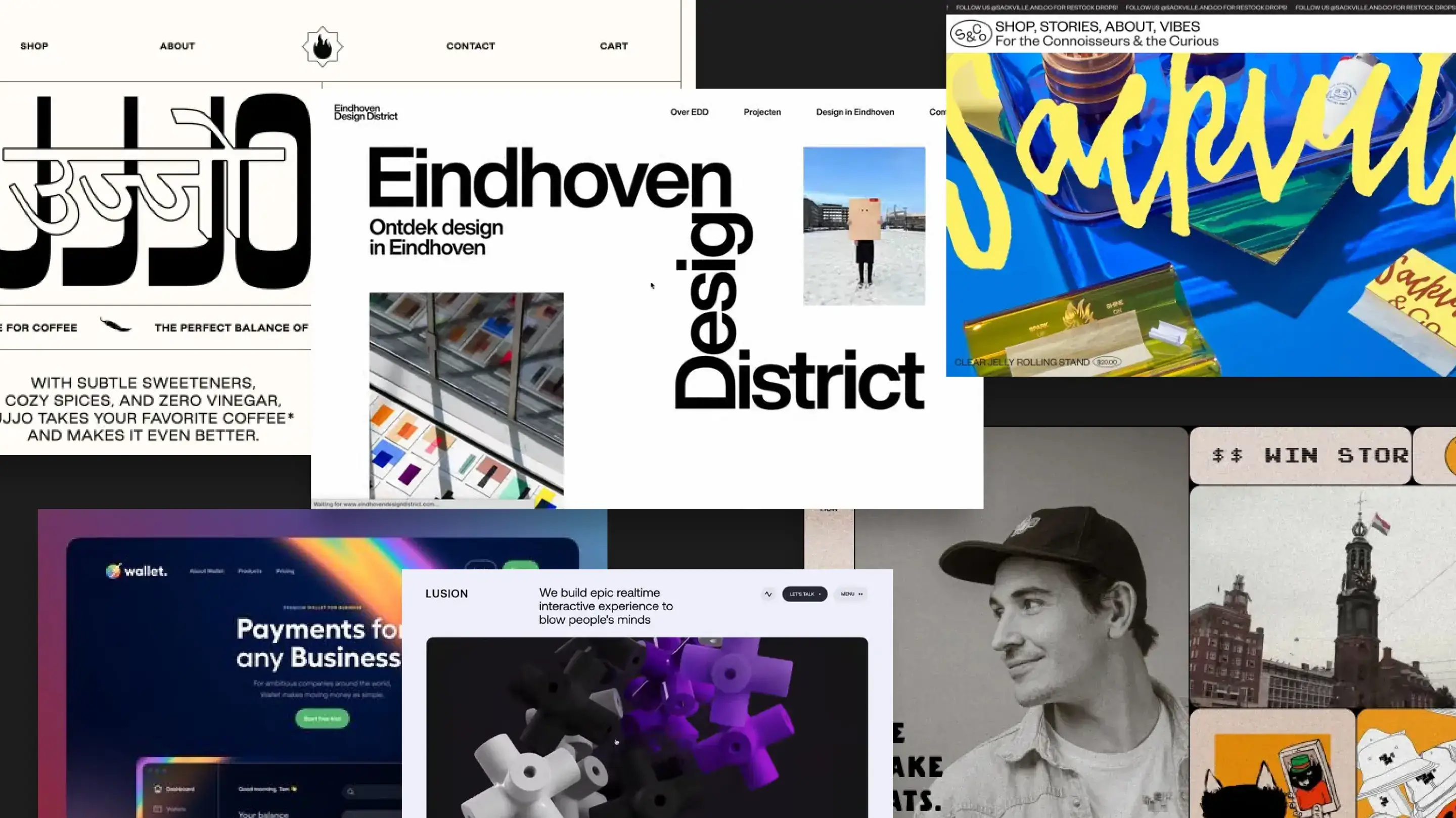


Most teams put off redesigning their website because it feels risky: SEO, leads, and brand are all on the line. A redesign can unlock a lot of growth—but only if it’s planned carefully instead of rushed.
Most teams put off redesigning their website because it feels risky: SEO, leads, and brand are all on the line. A redesign can unlock a lot of growth—but only if it’s planned carefully instead of rushed.
Why Teams Redesign Their Website
Over time, websites get slower, harder to update, and less aligned with how the business actually works. A thoughtful redesign fixes more than just colours and fonts—it fixes clarity, performance, and trust.
- Messaging that no longer matches your product or services
- Messaging that no longer matches your product or services
- Pages that are slow or not mobile-friendly
- Pages that are slow or not mobile-friendly

Pages that are slow or not mobile-friendly
Before you dive into layouts, it helps to collect a few key inputs:
- Before you dive into layouts, it helps to collect a few key inputs:
- A list of must-keep pages and URLs for SEO
- Your main offers and CTAs (demo, contact, signup, etc.)
- Any new brand guidelines, logos, or visuals
The 5-Step Website Redesign Plan
1. Define Clear Goals For The New Site Decide what the new website should actually achieve: more qualified leads, better product education, easier hiring, or something else. These goals guide every design and content decision.
2. Map Your Core Pages And User Journeys Outline the key journeys—like “new visitor to lead” or “existing client to support”. From there, create a simple sitemap so you know which pages you need and how they connect.
3. Audit What To Keep, Improve, Or Remove Review your current pages and decide what stays, what gets rewritten, and what can be removed. This keeps you from dragging old problems into a new layout.
4. Wireframe Before You Worry About Visuals Start with low-fidelity wireframes that focus on structure, hierarchy, and CTAs. Once those feel right, layer in visual design so the site looks modern without losing clarity.
5. Plan Content, Launch, And Post-Launch Fixes Write new copy, prepare images, and set up redirects for changed URLs. After launch, monitor analytics and user feedback, then fix any friction points instead of assuming the work is done.
“A well-planned redesign gave us a site that finally matches where our product is today. Leads went up, support questions went down, and our team can actually update pages without calling a developer.”